- who upgraded their versions from February 24, 2016 starting from ZEDPRO 1.0.170.
- who try to activate a license which was already used elsewhere.
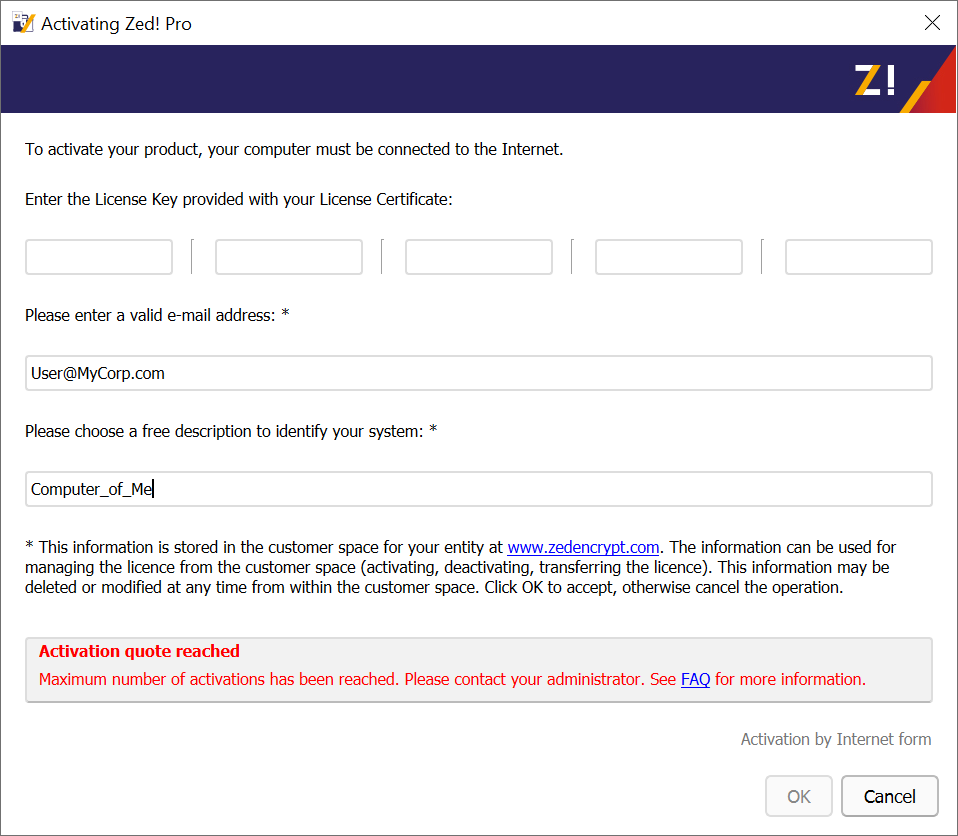
Here is a step-by-step procedure to guide you:
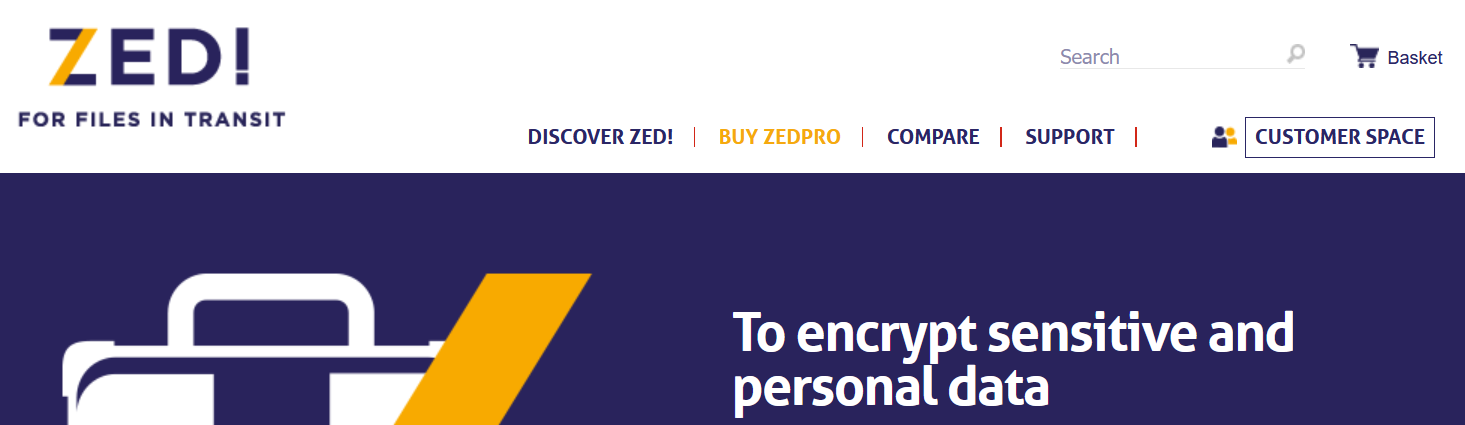
1 - Log in to your Customer Space:
2 - Then navigate to "Manage my Licences", check your activation, then click "Suppress entry from user list".
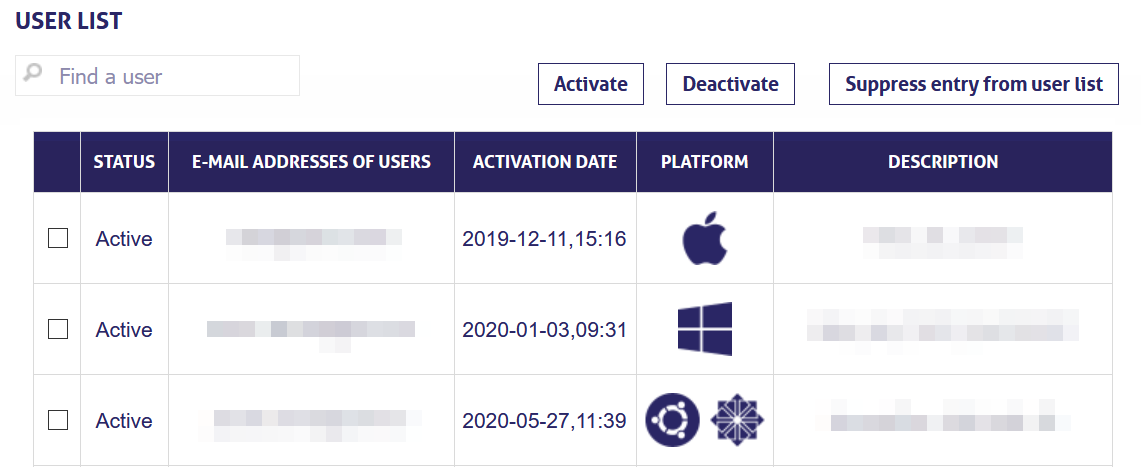
You should be then able to reactivate your ZEDPRO software.